Custom Pin Artwork Guide
Digital Files
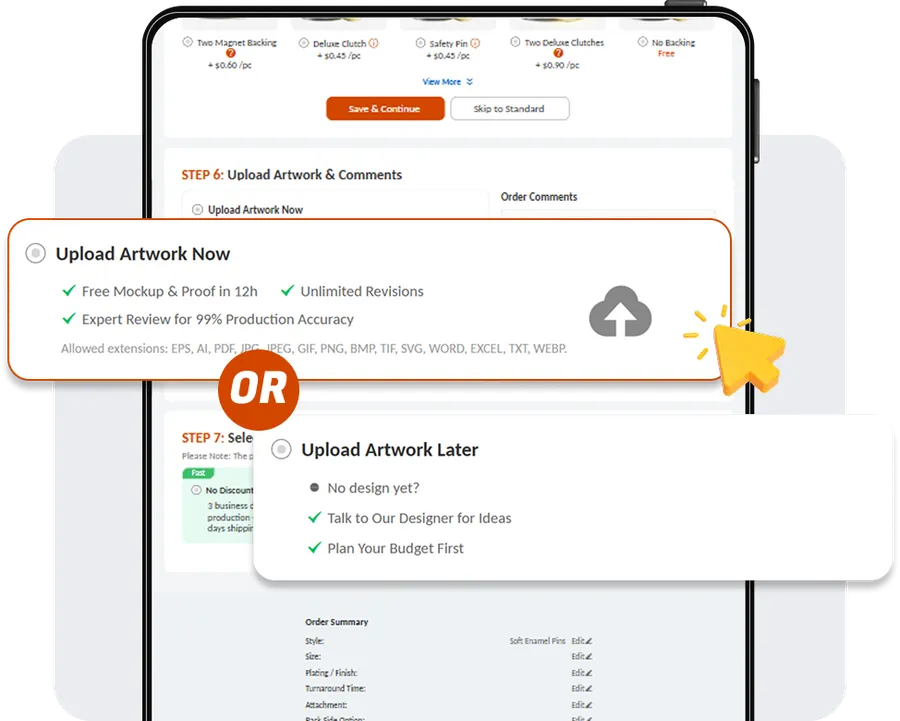
When placing an order in the quotation system, if there is a ready-made design draft, please click "Upload Artwork Now";
If there are no ready-made drawings, please click "Upload Artwork Later", and we will have a dedicated customer service representative contact the designer to create a unique design for you, turning your ideas into reality.
Afraid of design not meeting expectations? Never mind! Whether there are drawings or not, we have dedicated customer service representatives to contact you, confirm specific design ideas with you, and provide free proof to ensure 100% satisfaction before submitting to production. Looking for inspiration before uploading your files? Discover our wide selection of custom pins.
Supported File Types
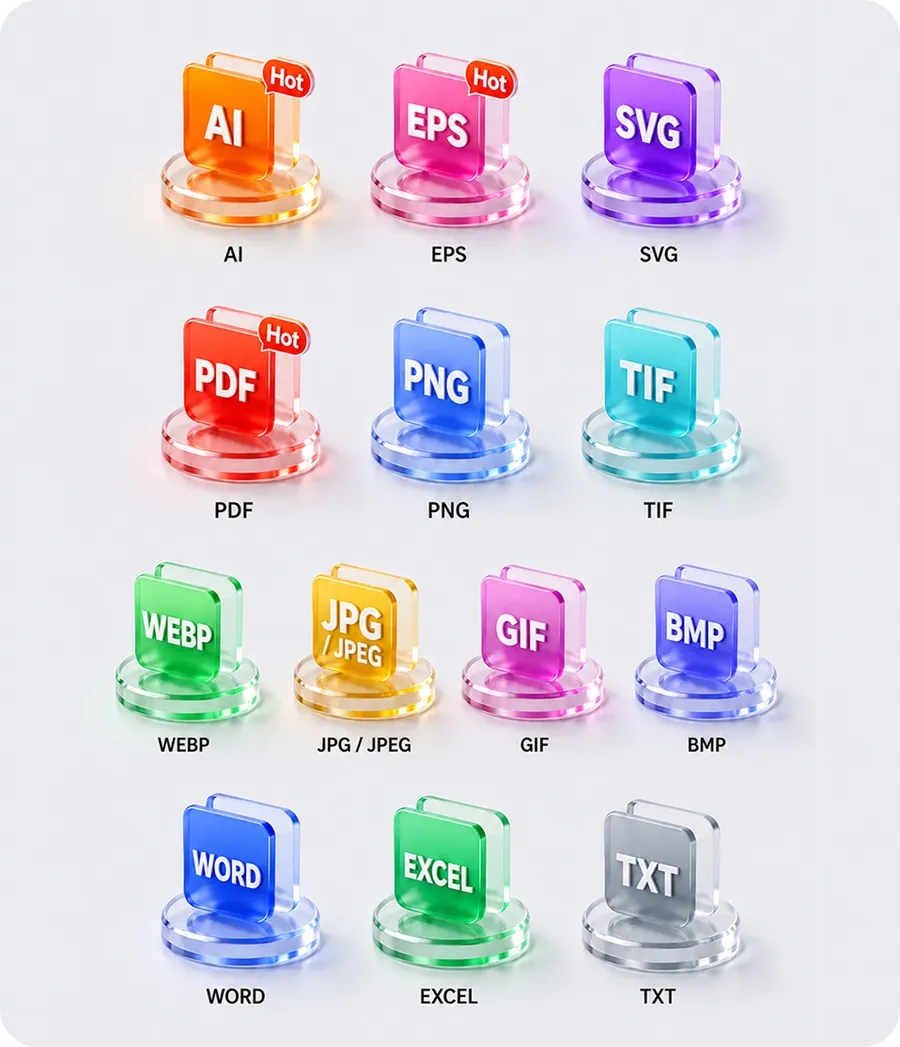
We accept most artwork formats, but vector artwork can significantly improve the speed of proof production. If we want designers to produce proofs quickly and accurately, we divide file formats into three levels:
Best Choice - Fastest Proof & Highest Accuracy:
AI, EPS, SVG, PDF
These formats can directly obtain vector paths, dimensions, and details, and designers hardly need to redraw them.
Good Choice - Suitable for Most Designs:
PNG, TIF, WEBP, JPG / JPEG
High-resolution image files are accepted (Minimum 300 DPI recommended), but may require artwork cleanup or vector conversion before production.
Reference Files Only:
GIF, BMP, WORD, EXCEL, TXT
These formats are useful for providing design instructions, text content, or reference images, but are not ideal for creating production-ready artwork.
Note:
Simply changing the file extension to vector format does not convert the file type.
Additional Instructions
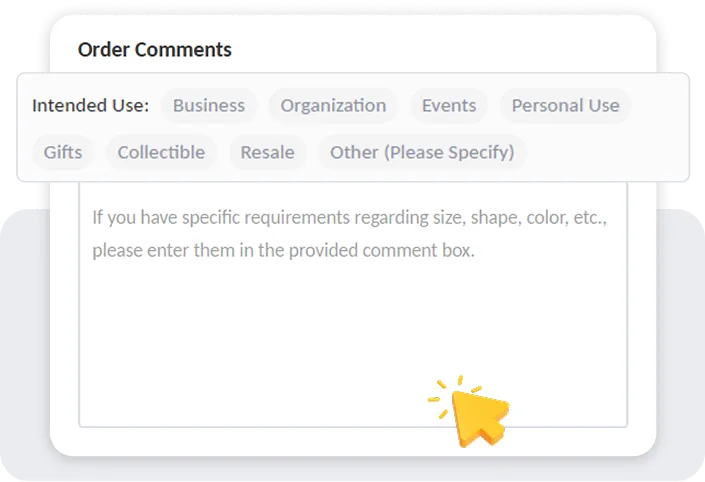
You can add any other specific requirements in the Order Comments section of the quotation page. And before production begins, we will send you the free design drafts via email for your confirmation.
Choosing the intended use is beneficial for us to provide you with reasonable suggestions during the design process based on your purpose, so that custom pins can better adapt to the target situation.
Pin Design Tips
Soft Enamel Pin Design Guide
Soft enamel pins feature raised metal lines and recessed color areas, creating a textured finish.
Design Tips:
- ✓ Use solid colors only
- ✓ Separate each color with metal lines
- ✓ Fine details are supported
- ✓ Pantone colors recommended
- ✓ Avoid gradients & shadow effects
- ✓ Minimum line thickness: 0.2mm
- ✓ Minimum color area: 0.3mm
- ✓ Minimum text size: 5pt
Common Mistake:
- ✗ Adjacent colors without metal borders
Best For:
- • Company logos
- • Mascot designs
- • Event pins
- • Promotional merchandise
Quick Design Comparison
| Soft Enamel Pins | Hard Enamel Pins | Printed Pins | 3D Pins | Cut Out Pins | Die Struck Pins | Acrylic Pins | |
|---|---|---|---|---|---|---|---|
| Solid Colors | Optional | Optional | |||||
| Gradients | |||||||
| Metal Lines Required | |||||||
| Fine Details | Moderate | Moderate | Moderate | ||||
| 3D Depth Effect | Limited | Limited | Moderate | ||||
| Photographs | |||||||
| Best For | Logos & artwork | Premium designs | Detailed graphics | Sculpted collectibles | Openwork logos & Letters | Classic metal pins | Anime & illustrations |
Frequently Asked Questions
Is your question listed above? Tap here to message our team and get answers quickly.Chat Now >>Start With Your Already Pin Artwork
- 1
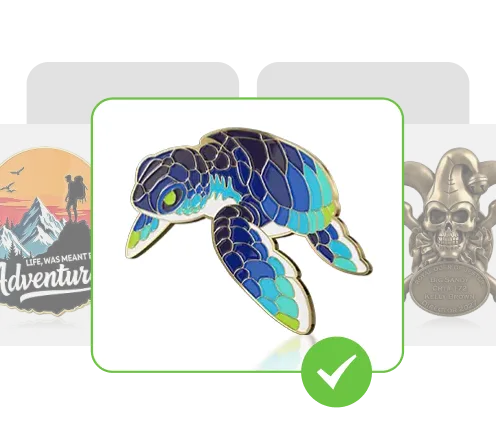
Choose Your Pin Style
Select the pin type that best fits your design, budget, and purpose.
- 2
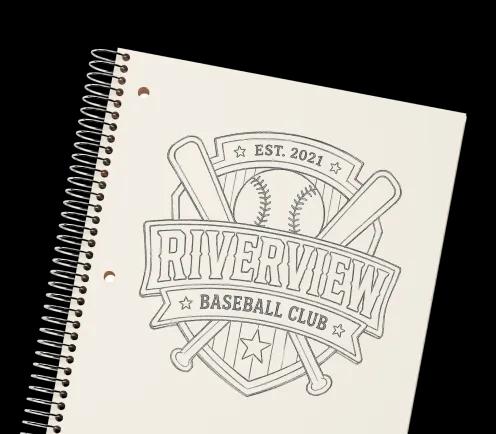
Submit Your Design
Upload your artwork, sketch, or logo. Don't have a design? Just share your ideas, and our team will help you.
- 3
Approve Free Proof
We will send you a digital design proof within 12 hours. Request as many revisions as you need until it's absolutely perfect.
- 4
Fast Delivery
After approval, we produce and ship your custom pins with fast delivery.
Other Ways to Design Your Pins
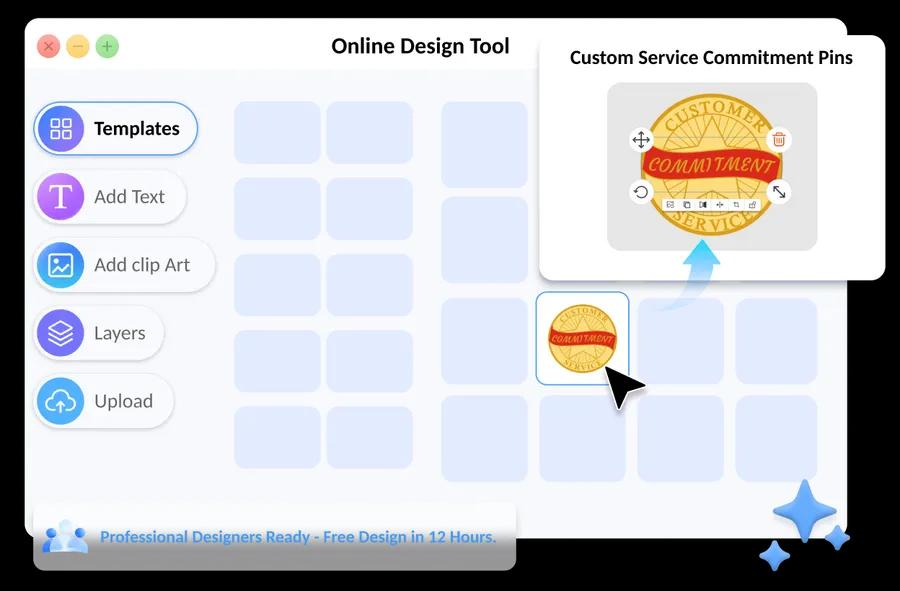
Customize with Ready-Made Templates
Start with our proven templates and elements, then customize the text and details to create your own unique pin design.
Best For:
Creative users who enjoy exploring ideas and generating inspiration.
Simple and Easy:
Choose a template → customize it → preview instantly → order.
Design Freedom:
Full customization control with our easy-to-use editor.